
Details
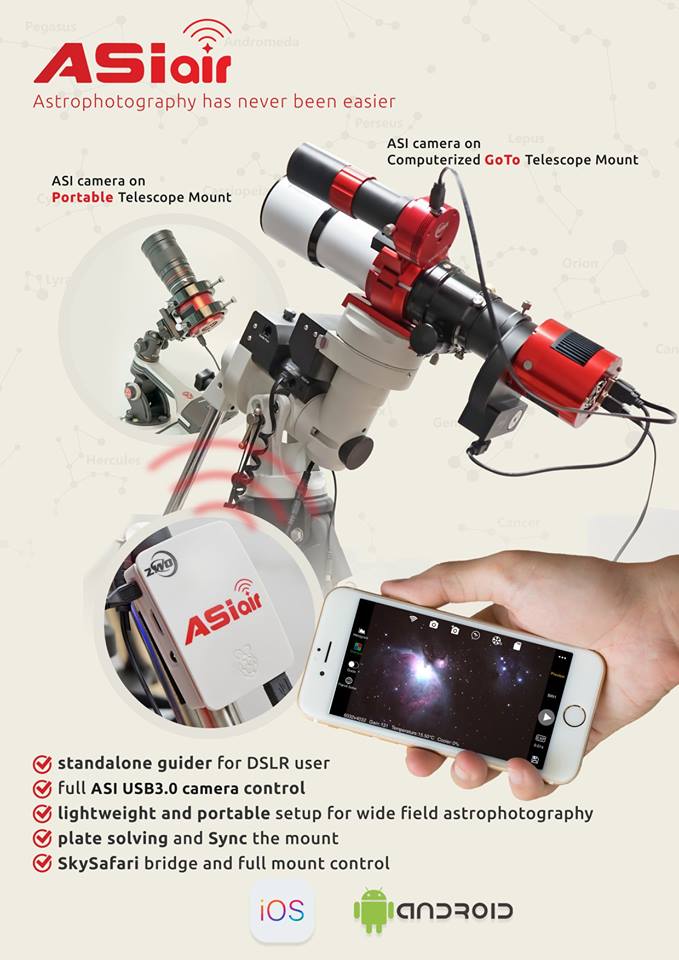
ASIAIR is a smart WiFi device that allows you to control all ASI USB 3.0 cameras, ASI Mini series cameras, and an equatorial mount to do plate solving and imaging with your phone or tablet/iPad when connected to ASIAIR via WiFi.
Features
Dual bandwidth WiFi Control 5G & 2.4G supported. You can switch between 5G & 2.4G depending on your environment. 5G is faster for downloading and not so crowded as 2.4G, but works best over shorter distances without many obstructions, such as walls.
Independent Guiding & Imaging Standalone guiding & imaging without the need for a PC. Everything is under control with your phone!
Preview and focus in real time
- Preview: with the help of the WiFi network, ASIAIR can preview images in nearly real-time.
- Debayer: debayer works for colour cameras.
- Auto white balance: AWB also works for colour cameras
- Focus: zoom a small area to provide max brightness curve and HFD curve - helps user to reach precise focus manually.
- Auto & manual histogram stretching: screen stretching is always useful for dark deep sky imaging.
Plate Solving Offline plate solving can be done in a few seconds.
Choose Object User only needs to open the “Telescope Settings” and click the “Choose Object” button to select the shooting target or make some observing plans.
Dither Improve your images tremendously, increasing the all-important SNR and removing artifacts.
SkySafari Bridge The user can use the SkySafari app to control the mount through ASIAIR, choose the target and go.
Supported cameras ASI USB3.0 cameras, ASI cooled cameras, ASI mini cameras (cannot support ASI120MM/MC cameras).
USB2.0 Port
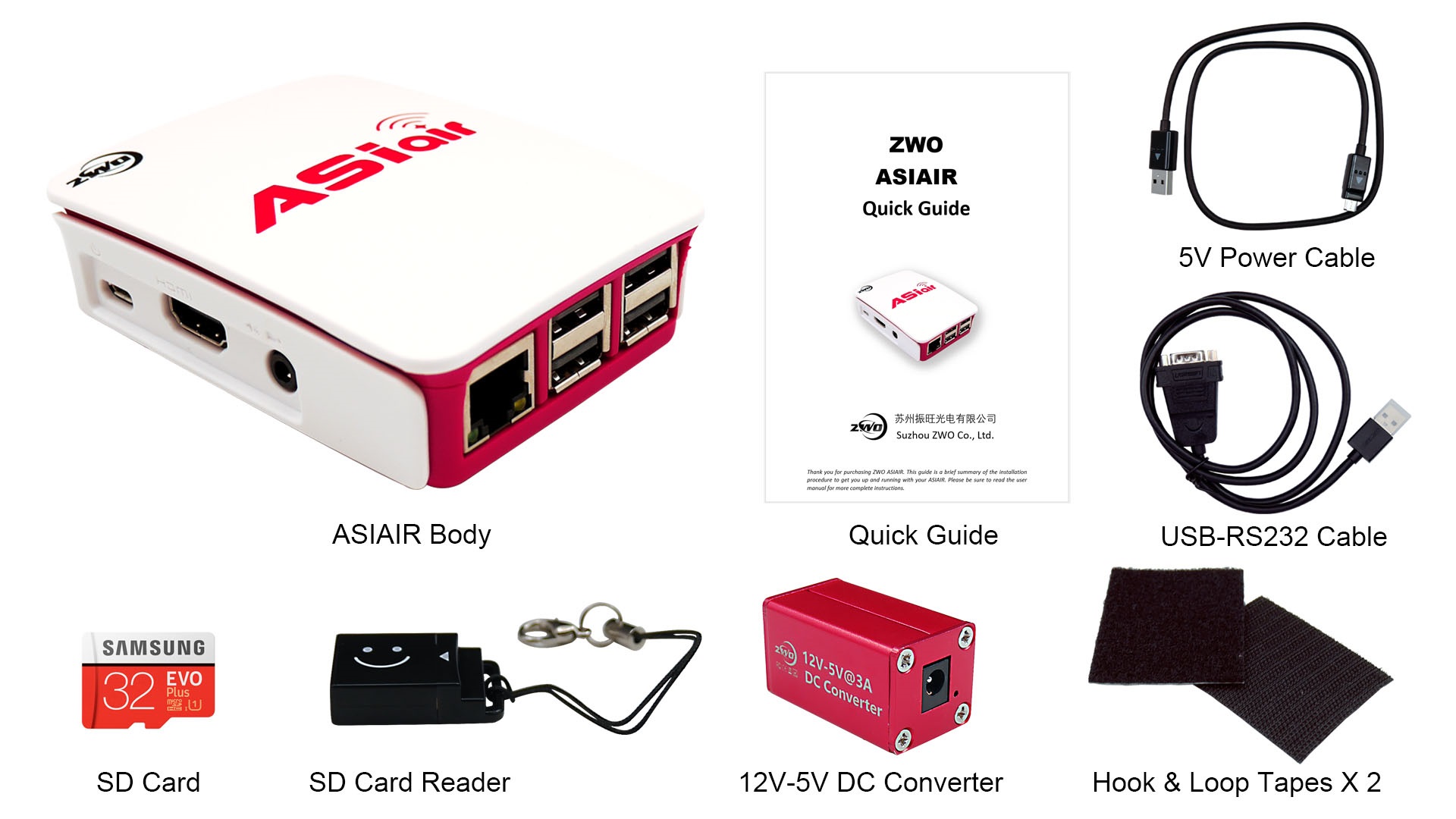
ASIAIR comes with 4 USB 2.0 ports, you can connect up to 4 USB devices and won’t need a USB Hub.
Power Supply
ASIAIR requires [email protected] external power supply, via micro USB port. Normally, ASIAIR consumes only 500ma current, but the peak value would be 2.5A, so please use the power cable that comes with the ASIAIR. Other cables may be too thin and not provide enough power. Also provided is one 12V-5V DC Converter, so that you can connect ASIAIR to the 12V power supply used by most astro devices.
SD Card and Card Reader
One 32GB Micro SD card comes with the ASIAIR. OS is running on this SD card, with 25G of space left for the user to store images. The user can use this SD Card Reader to transfer the images to their PC for processing. There is a risk that the SD card may eventually become corrupted, so it is highly recommend that users back up their SD card first when they get the ASIAIR. 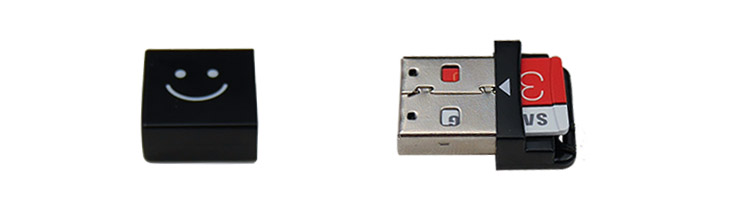
Software
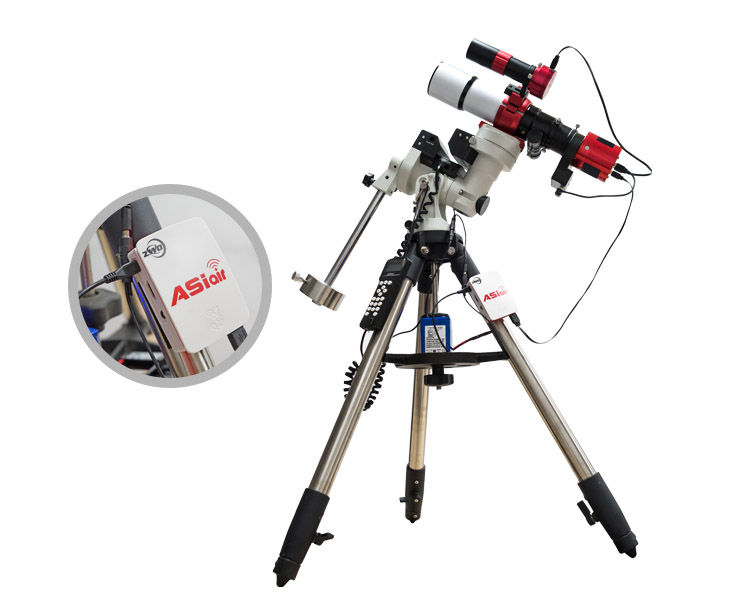
ASIAIR supports both IOS and Android systems. 
 ASIAIR App also speaks with the SkySafari apps (SkySafari \SkySafari Plus \SkySafari Pro). You can now plate solve & sync in the ASIAIR app and read the mount’s position in SkySafari!
Interface of App


Additional Information
| Specifications | No |
|---|

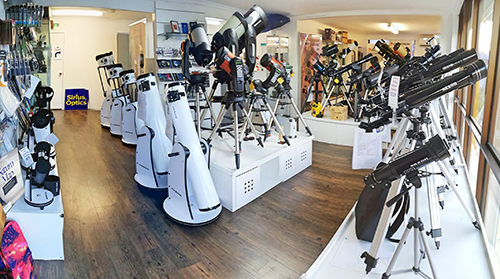
Why buy from Sirius Optics
Queensland's largest telescope showroom and warehouse
Run by astronomers and nature lovers, not sales people
Expert advice and lessons
Secure checkout with multiple payment options
30 day returns (T&Cs apply)